
Vuka OS 0.1 Dawn (Seven) – RC13
Wake up your computer.
Seven lives inside Vuka OS: an always-running, voice-first AI companion integrated into a portable, installable South African Linux desktop.
Meet Seven
An AI shell, not a chatbot bolted onto a desktop.
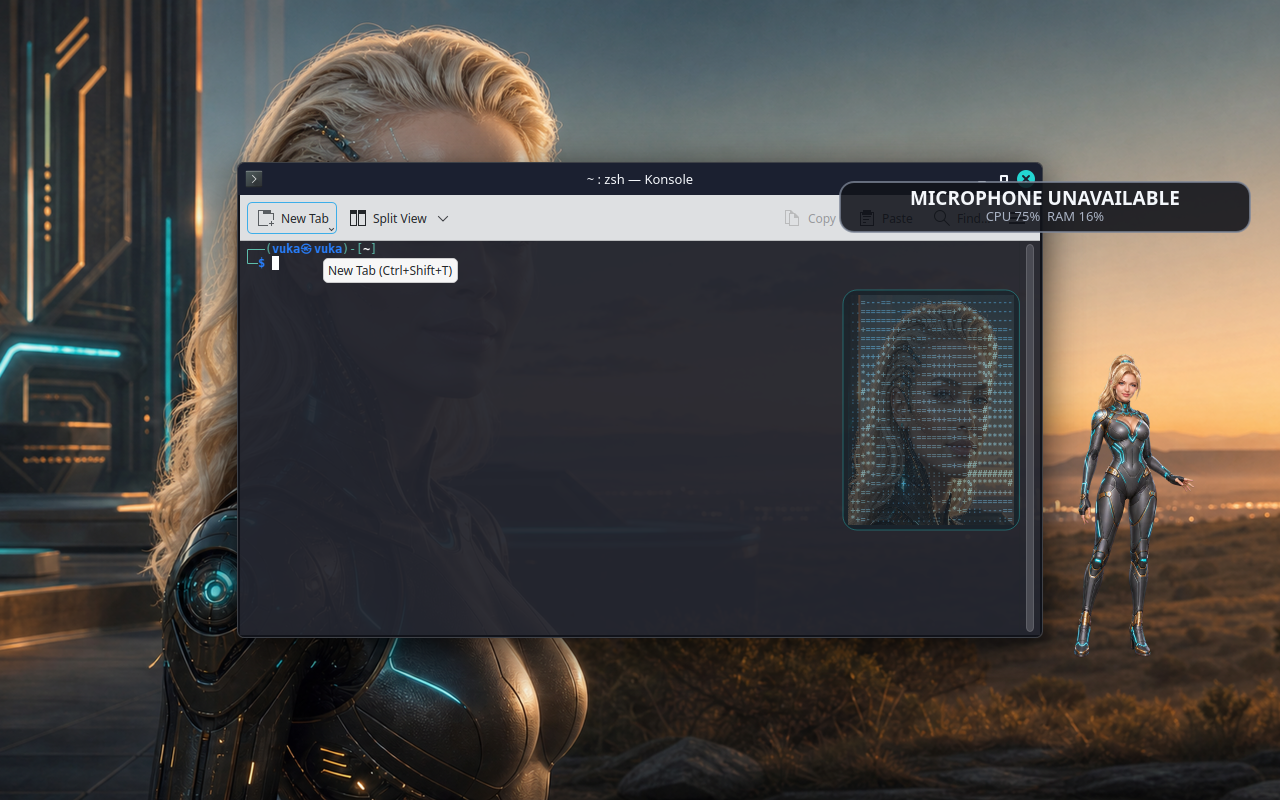
After graphical login, Vuka starts and supervises Seven alongside the user’s session. She can speak, listen, see desktop context, launch applications, focus windows, and use the keyboard and pointer.
- Voice-first listening, speaking, thinking and activity states
- Animated white-blonde companion with a coloured ASCII face
- Camera and serial or robotics capabilities, subject to connected hardware
- UID-0 service for command, file and service control
- Root-action auditing and automatic recovery
- Plasma panel returns if Seven stops

Local intelligence
Ollama and OpenCode are ready to grow with you.
Vuka includes Ollama, OpenCode-compatible tooling and Seven 4.4.0. On first graphical login it starts downloading llama3.2 and llama3.2-vision when missing.
Verified system
A real desktop, not a mock-up.
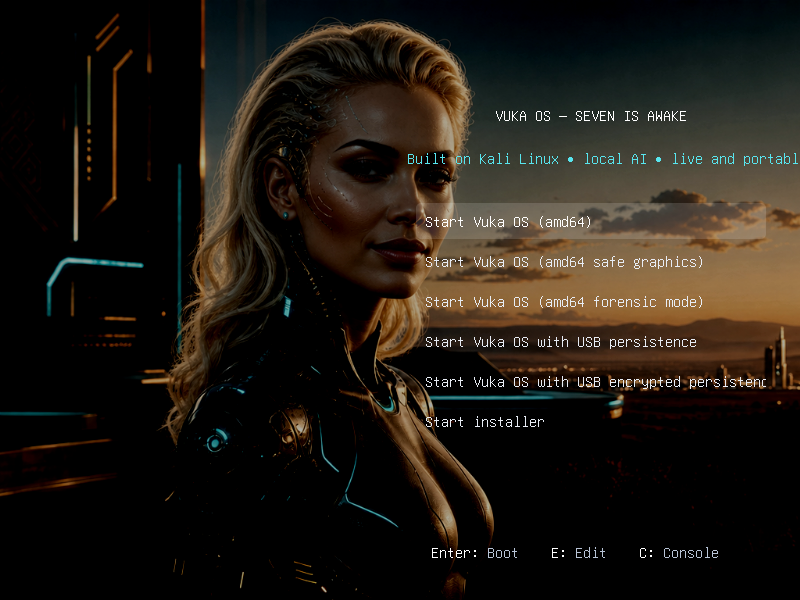
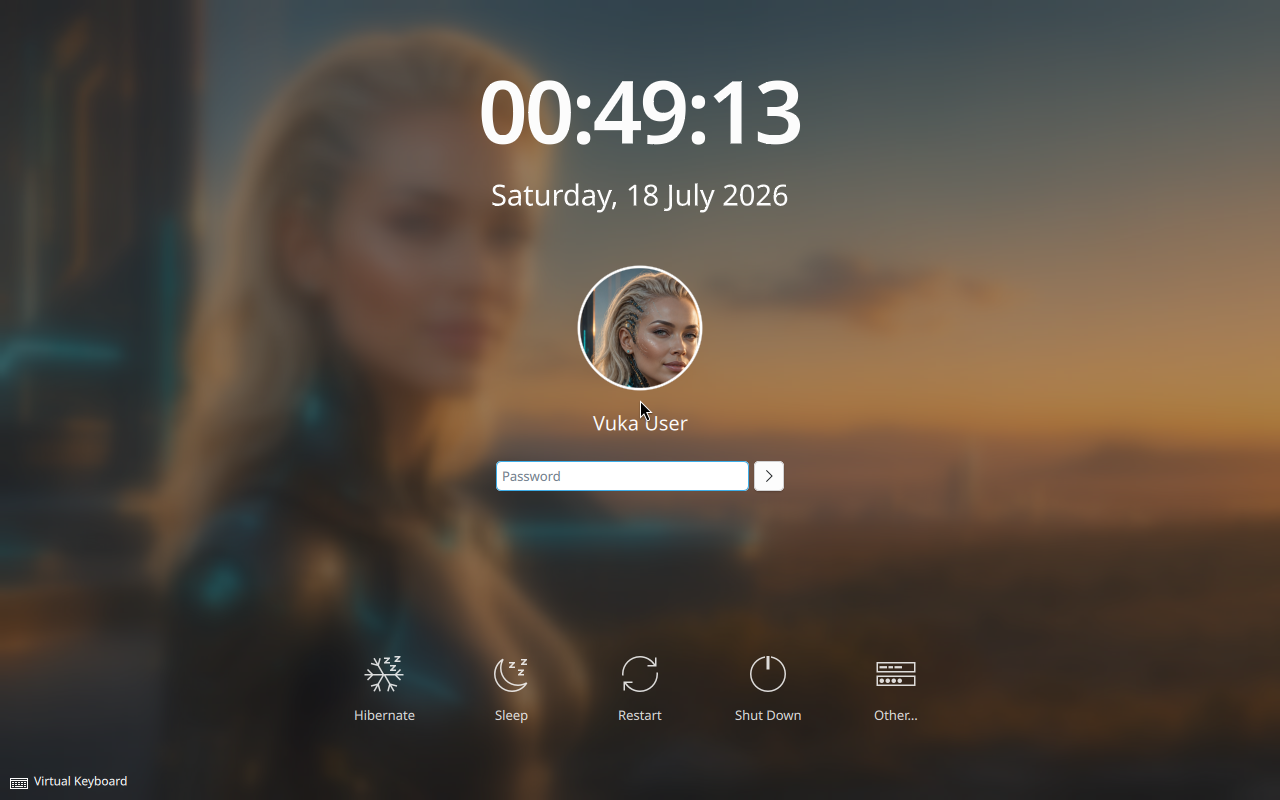
RC13 was exercised through complete virtual-machine acceptance, including BIOS and UEFI live boot, persistence, installation to a fresh disk, installed login, audio enumeration and embedded-file verification.

Windows compatibility
Bring many Windows applications with you.
Vuka includes Wine 10 with 64-bit and 32-bit prefix readiness, Wine Mono and Wine Gecko. Its exact-image matrix passed native x64 and x86 applications, a .NET fixture, Direct3D 9, Vulkan, and an MSI install-launch-uninstall cycle.
Wine is a compatibility layer, not Windows. Kernel drivers, Microsoft Store or UWP applications, many anti-cheat systems, current Microsoft 365 desktop applications and Adobe Creative Cloud are unsupported or unreliable.
Run it your way
Verified download
Vuka OS 0.1 Dawn RC13
- File
vuka-os-0.1.0-dev-amd64.iso- Architecture
- x86-64 / amd64
- Exact size
- 9,032,421,376 bytes (9.03 GB / 8.41 GiB)
- SHA-256
78f178000ab961e8163035a5c11049809e2b79f82d9404453a394a4785d8adbe- Base
- Kali Linux rolling
Verify on Windows:
Get-FileHash .vuka-os-0.1.0-dev-amd64.iso -Algorithm SHA256
Write the ISO as an image. Do not extract it or merely copy it to a FAT32 drive.
Security disclosure
Read before switching Seven on.
Seven is intentionally not sandboxed. She controls the logged-in X11 desktop and can request unrestricted root-level command, file and service operations through Vuka’s local root service. A harmful prompt, compromised model, extension or local account can affect the entire machine.
Root actions are logged, but logging is accountability, not containment. Do not use this release on a machine containing irreplaceable or sensitive data without backups and an understanding of the risk.
Documentation
Frequently asked questions
Before you boot
Can I run Vuka without installing it?
Yes. Boot the live ISO from USB or attach it to a 64-bit VM. Use persistence if you want files and models to survive a USB reboot.
Is Seven listening immediately?
Seven’s supervised runtime and companion start after graphical login. Recognition depends on a working microphone and audio routing.
Does the ISO include AI model weights?
No. Vuka downloads llama3.2 and llama3.2-vision after login when absent. Allow roughly 10 GB and use persistent storage.
Will every Windows application run?
No. Wine compatibility varies by application. Check the compatibility guide for the tested boundaries.
Is Seven sandboxed?
No. Seven has intentional desktop authority and an unrestricted root execution path.
Has Vuka been tested on every physical computer?
No. RC13 passed the documented VM acceptance suite. Physical peripherals still require device-specific testing.
Vuka is an independent downstream project based on Kali Linux rolling. It is not an official Kali image and is not endorsed by Kali Linux or Offensive Security.